About Specialized Turbo Firmware
The Specialized Turbo e-bike system runs on a custom firmware for high performance and a seamless rider experience. This is to ensure product safety. The tuning of the ride controller lends the motors their natural ride feel and defines the power delivery. This is relative to rider input and ride situation. The display firmware dictates available features and creates the intended user experience. The battery firmware controls energy management and contributes to battery safety. Furthermore, the Turbo system firmware allows Specialized to add features and fine-tune the rider experience. Specialized is constantly listening to rider and market feedback, so, over time, through firmware updates, Turbo bikes will get better.
Bike Handover and Firmware Updating
All Specialized Turbo bikes are shipped with a basic base firmware uploaded. This will need updating to the latest released firmware. This will be done before the bike is handed over to the rider. This is to apply the correct speed limit, also unlocks all features, and gives the e-bike system its intended performance. These firmware updates are either applied by an authorized Specialized retailer or a Specialized distribution center.
Wired Firmware Updates
Authorized Specialized retailers can only perform the wired firmware updates. This procedure requires dedicated tools. A small service fee may be applied, depending on the retailer’s policies. Before you visit your authorized Specialized retailer, please contact them first to confirm availability and discuss the required update for your bike.
All system batteries must be brought to the appointment—including Range Extender and any secondary batteries—to ensure that all components receive the necessary updates. Please note that battery firmware can only be updated by an authorized Specialized retailer.
If applicable, please ensure that System Lock is unlocked prior to bringing your bike to the retailer.
Over-The -Air Firmware Updating with Specialized App
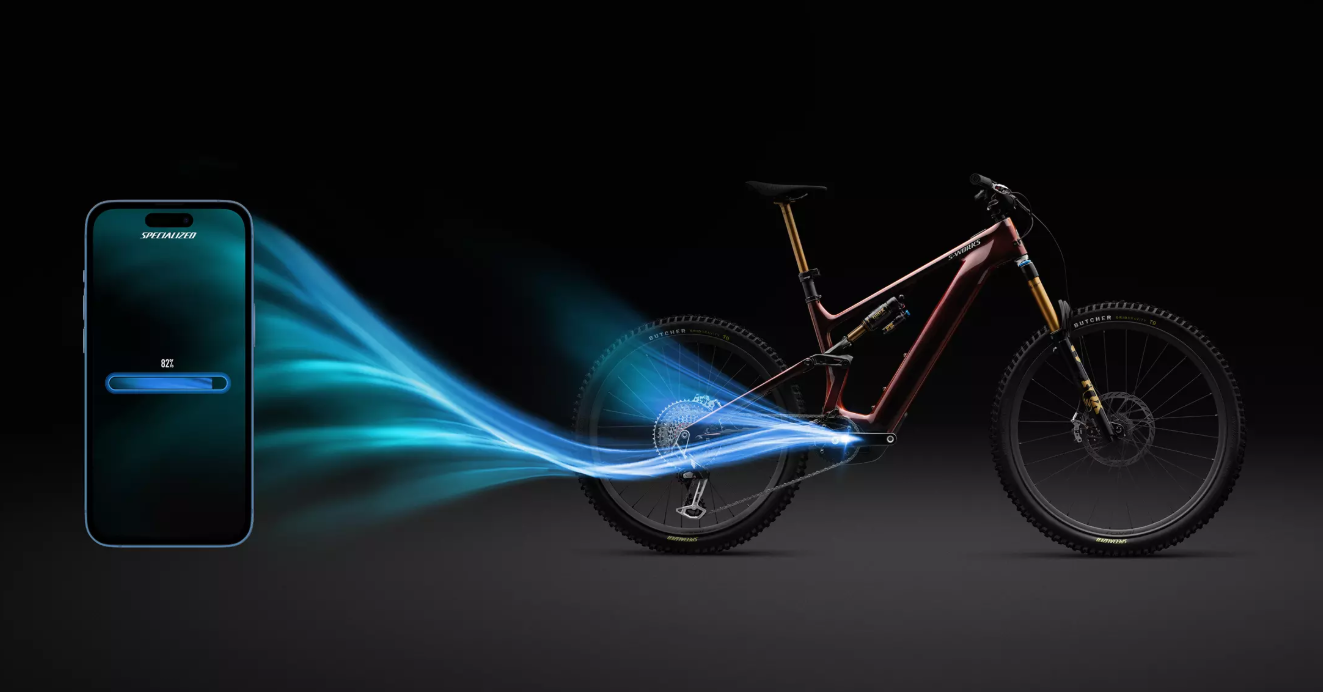
To begin with, some good news: updates for the firmware will not happen frequently. When your bike is at a authorized Specialized retailer for servicing, any available updates will always be applied. You can now perform your own updates wirelessly from the comfort of your own home with Over-The-Air. Over-The-Air or OTA, is for updating your Turbo e-bike on core components through the Specialized app without having to leave the sofa.
Supported Bikes
Bikes that support Over-The-Air updates, by core component:
| Bike Family | Display | Motor | Battery |
|---|---|---|---|
| Vado SL 2 | Supported | Must be completed at a retail store | Must be completed at a retail store. |
| Levo 4 | Supported | Supported | Must be completed at a retail store. |
Some additional components may require updates to be performed at authorized Specialized retailers (e.g., wired Garmin radar systems).
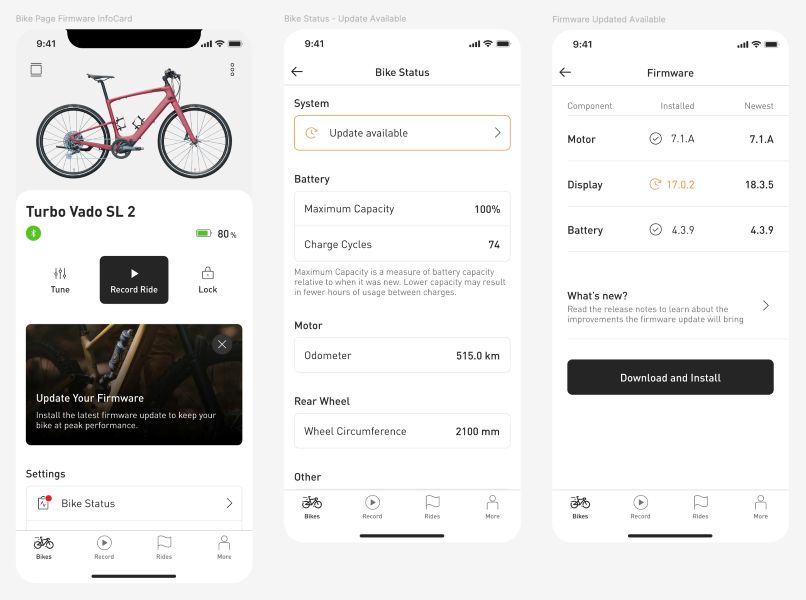
When there is an update available for your bike, you will be notified through a notice on the app and a red badge on the bike status page. To be able to perform the update, navigate to the firmware page and tap on Download and Install.
Time and Device Availability During OTA Updates
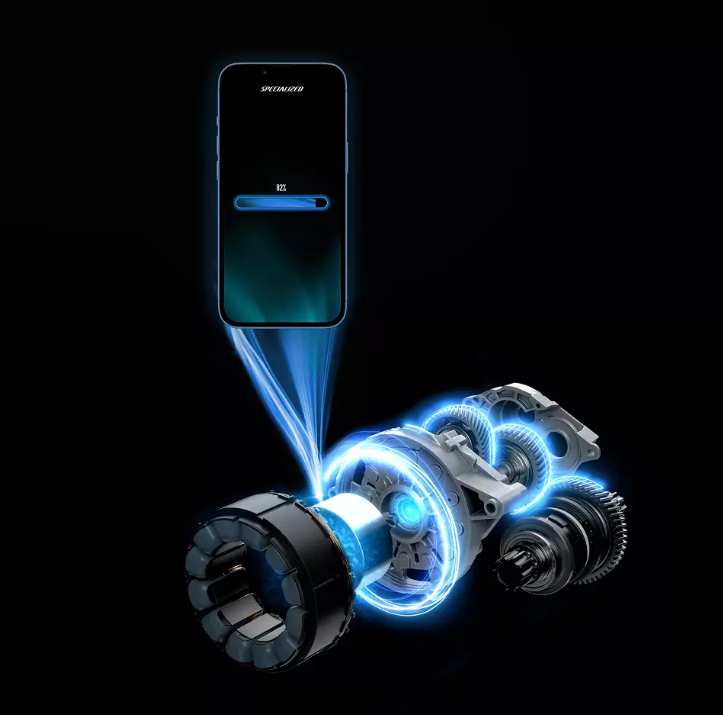
Over-The-Air (OTA) wireless updates for Specialized Turbo e-bikes can typically take 15-60 minutes. The timing depends on the phone you are using and on the components being updated. You will not be able to use your phone or bike during the update process. Make sure you set aside enough time to complete the update.
Before Starting the Update
- Your phone must be charged to at least 20%.
- Your bike must be charged to at least 20%.
- Your bike must be connected to the Specialized app.
- Your phone must have a cellular or WiFi connection.
- Your bike cannot be plugged in to charge.
- You cannot have both a main battery and a range extender battery plugged into the bike at once.
- You cannot have an active ride recording going on.
- You cannot have a “Component swap” error message on your bike display.
- You cannot have modified the speed limit for your bike outside of Specialized approved methods.
While an Over-The-Air Update is in Progress
- Set your phone within arm’s reach of your bike.
- Keep the Specialized app open (your phone screen will stay awake as long as the update is in progress).
- Do not interact with your phone (e.g., phone calls, text messages, notifications).
- For example, if you receive a text message during the update, do not tap the notification, answer the message, or switch apps to address the message. Remain on the firmware update screen without touching it.
- Keep your bike on.
- Do not connect your bike to a charger during an Over-the-Air (OTA) update. Even if your bike display shows the message “Do Not Unplug,” this does not mean you should plug it in. That message is intended for retailers performing wired updates. For OTA updates via the Specialized app, your bike must remain unplugged the entire time.
- Make sure there is no USB cable connected to your bike display.
- Do not disable Bluetooth on your phone.
- Do not press any buttons on your bike.
- Do not remove or add a battery to your bike.
What if the OTA Update Fails
Do not worry if an update has failed or been interrupted; you will still be able to use your bike as normal. If the update has failed, you can restart the failed update straight away, or you can go out and ride your bike and start the update again later-on. There is no risk in attempting an update multiple times.
Before retrying
- Try to minimize interruptions (for example, use Do Not Disturb settings on your phone to avoid calls or notifications).
- Close any other apps that may be running in the background.
- Make sure you abide by the requirements listed above.
Update Repeatedly Failing
(Sorry, this is happening! Your bike will still function normally while we troubleshoot.)
After each step: try updating again.
- Restart both your bike and your phone.
- Perform a factory reset on your bike display.
- Try performing the update on a different phone.
- If it still fails, call your nearest authorized Turbo retailer and schedule an appointment with them to perform the update in-store.
Updating Additional Components
This is an overview of how updating non-core components is managed.
| Third Party Component | Updating Method |
| SHIFT, SUSPENSION, AND OTHER WIRELESS COMPONENTS | Third party components, such as electronic SRAM AXS components, need to be updated through the respective manufacturer.Visit the manufacturer’s website for more information, for instance: AXS App | SRAM. Shimano supports Di2 users on their homepage. |
| ENVIOLO AUTOMATiQ | Use the enviolo app.See AUTOMATiQ firmware release notes – enviolo Help Center. |
| WIRED GARMIN RADAR | Firmware updates can only be applied at your local Specialized retailer, using a cabled connection to our Turbo service tool. Firmware status will not be shown in the Specialized app. |
| WIRED REMOTES | Only some early generation remotes (Levo/Kenvo Gen1) require firmware updating. |
Checking Firmware Status
You can use the app to check firmware status. Specialized will announce firmware updates to retailers, and critical ones are communicated to riders as well.
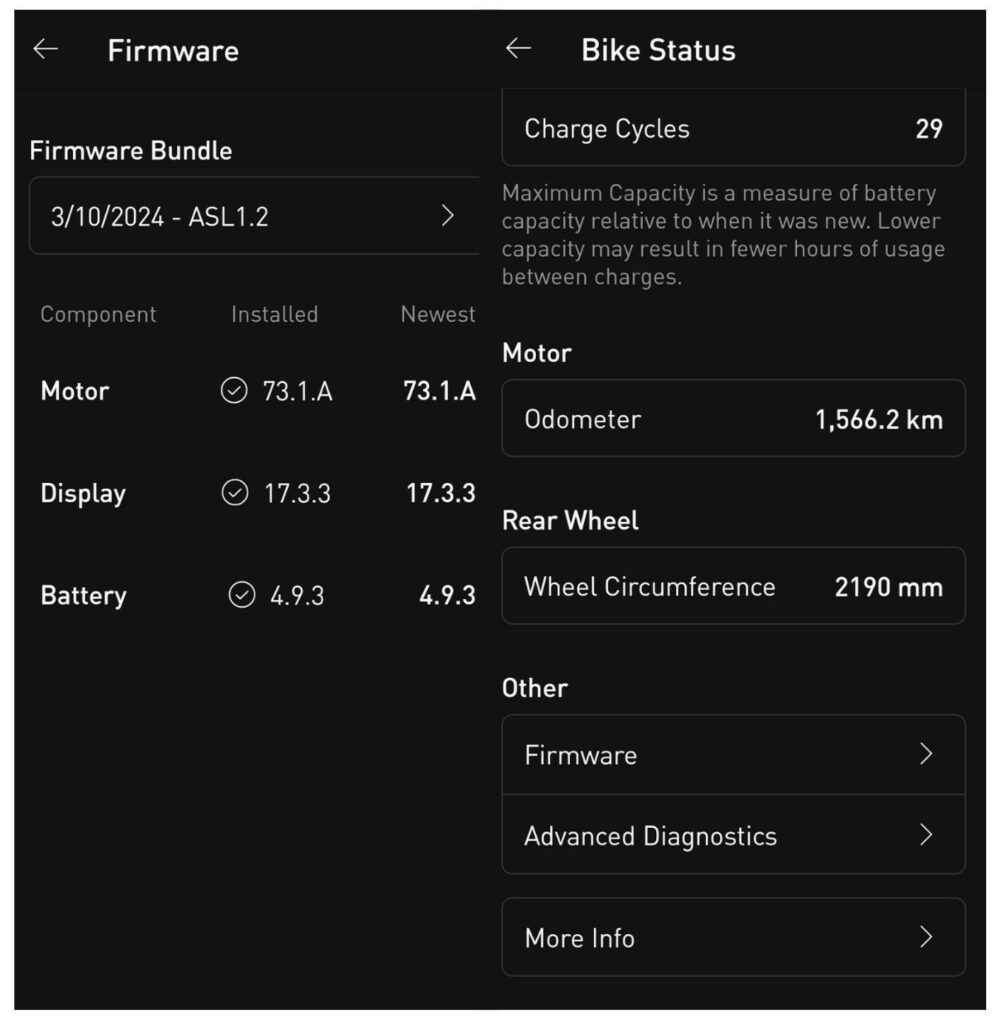
To check your bike`s firmware status, use the Specialized app (Bike Status → Firmware). In this example, the firmware is up to date.